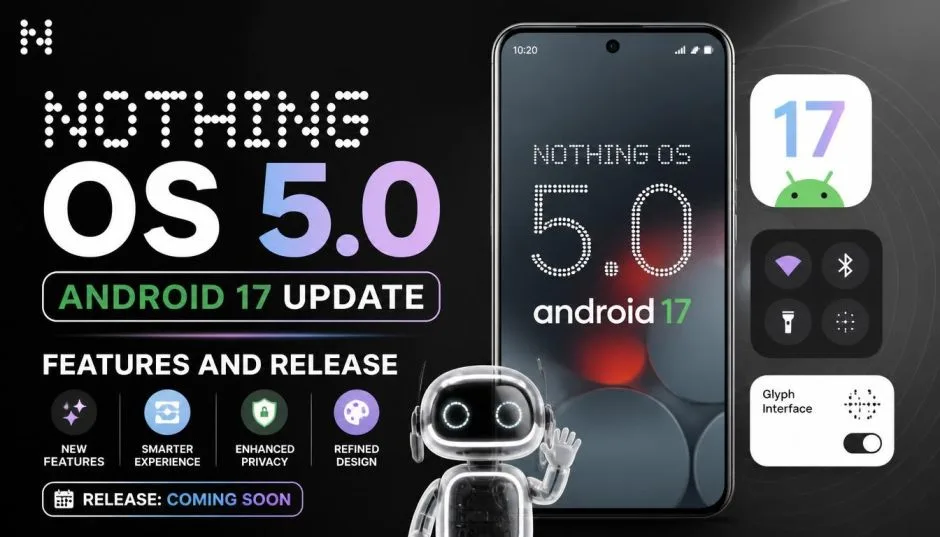
The Nothing OS 5.0 Android 17 update is rolling out now, but not to every Nothing phone. The stable release started on October 12, 2026, with the Phone (3) getting it first.
By early November, the Phone (4a), Phone (4a) Pro, Phone (3a), and Phone (3a) Pro joined the list. The update brings a redesigned Quick Settings panel, a dedicated Glyph app, new AI tools, and a fresh typeface called Geist.
But three older phones are permanently excluded: the Phone (1), Phone (2), and CMF Phone 1 have reached the end of their major software support. If you are wondering whether your phone is on the list, the rollout stretches all the way to January 2027 for the remaining models.
Nothing OS 5.0 Supported Devices: The Full List and Dates
Nothing staggered this rollout by model. Some phones entered an Open Beta first. Others skipped beta and went straight to a stable release. Here is the verified schedule from Nothing’s official roadmap and multiple tech outlets:
Read Also: Get Android Auto Media App Swiping Working (Safe APK Download)
| Device | Open Beta | Stable Release |
|---|---|---|
| Phone (3) | August 26, 2026 | October 12, 2026 |
| Phone (4a) Pro | Early September | Early November 2026 |
| Phone (4a) | Early September | Early November 2026 |
| Phone (3a) Pro | Late September | Early November 2026 |
| Phone (3a) | Late September | Early November 2026 |
| Phone (2a) | Mid-October | Mid-November 2026 |
| Phone (2a) Plus | Mid-October | Mid-November 2026 |
| Phone (3a) Lite | No beta | Late December 2026 |
| Phone (4b) | Mid-December | Mid-January 2027 |
| CMF Phone 2 Pro | No beta | Mid-January 2027 |
The excluded phones: Phone (1), Phone (2), and CMF Phone 1 will not receive Nothing OS 5.0. Nothing confirmed these devices have hit their end-of-support window.
The rollout warning: Nothing distributes updates in stages by region and carrier. Your phone might be eligible, but the update may not appear immediately. Check manually by going to Settings, then System, then System Update.
What Actually Changed in Nothing OS 5.0?
Nothing claims over 80 changes in this release. Most of them are interface tweaks. A few are genuinely useful.
The Quick Settings Split
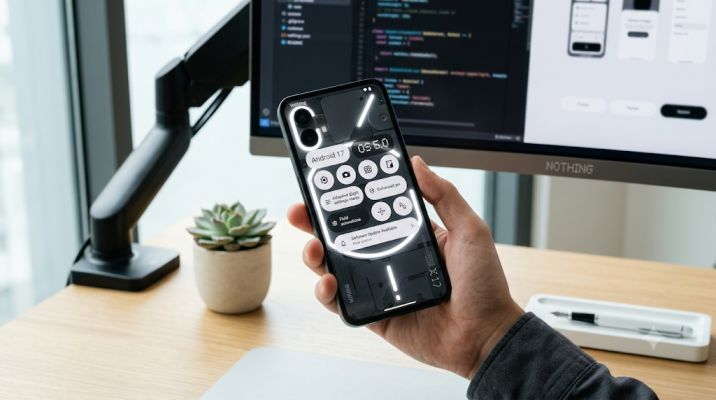
Previous Nothing OS versions combined notifications and quick settings in one pull-down shade. OS 5.0 separates them. Swipe down from the left side of the screen to see notifications. Swipe down from the right side to see Quick Settings.
This mirrors what Samsung and other Android manufacturers have done for years. It is a practical change, not a flashy one.
The Glyph App
Nothing’s LED light strips on the back of its phones finally get a dedicated app. The Glyph Interface app consolidates all the features, sounds, ringtones, and schedules in one place.
There is also a new Glyph Timer widget. Start a timer from your home screen, and the lights on the back display the remaining time.
Who this is for: People who actually use the Glyph lights. If you turned them off months ago to save battery, this app will not change your mind.
Essential AI Upgrades
Nothing has been pushing AI features hard. OS 5.0 improves the Essential Space tools. The headline additions are faster transcriptions through Essential Voice and something called Smart Collections, which automatically organizes content.
You Must Also Like: How to Improve Google Play Store Keyword Ranking in 2026?
There is also an Essential Apps Builder that lets you create custom mini-apps using natural language prompts.
The honest caveat: These features rely on Nothing’s AI infrastructure. They work well when they work. They also raise privacy questions that Nothing has not fully addressed.
The new three-color status bar indicator shows when the microphone, camera, or location is active. That helps, but it does not explain what the AI does with your data.
Visual Refresh and Geist Typeface
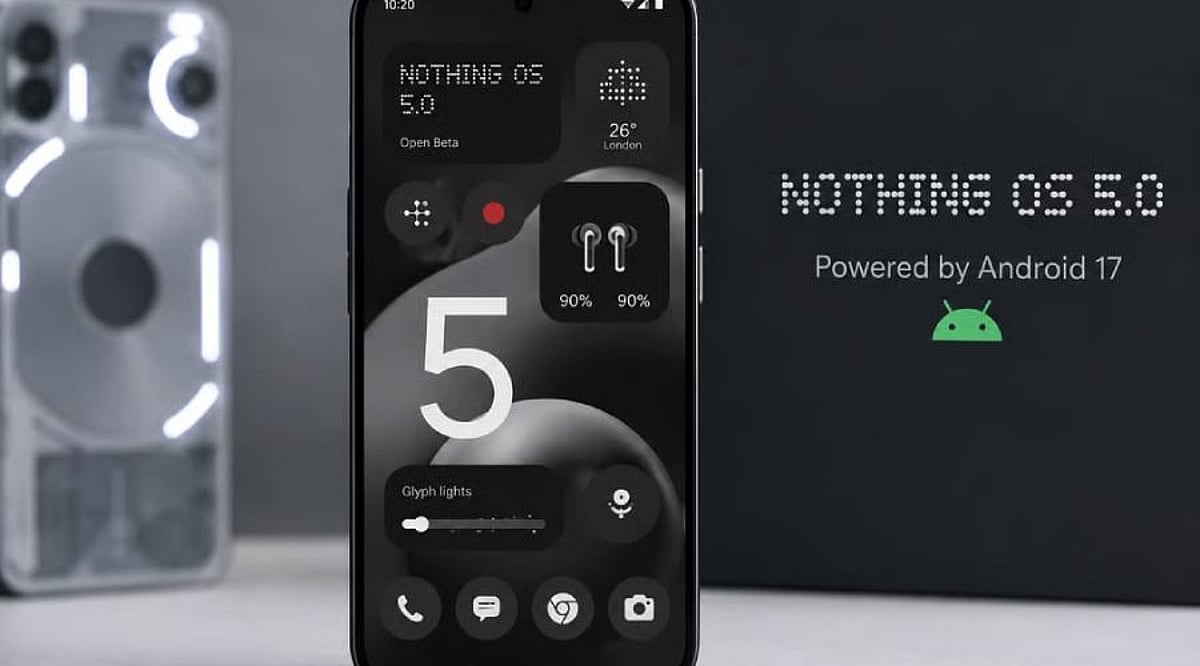
Nothing replaced its system font with a new typeface called Geist. The company describes it as “cleaner and easier to scan”. The home screen gets transparent widgets and a search bar that blends into the wallpaper.
The lock screen adds a Micrographics clock that shows the date, time, weather, and upcoming calendar appointments in a single block.
What it feels like: Nothing’s design language has always been minimal and monochrome. OS 5.0 pushes further in that direction. If you liked the old look, you will like this one. If you wanted more color, the new Lucent theme adds some.
The Problems Nobody Mentions Until You Install
The rollout has not been flawless. Nothing’s community forums show a few recurring complaints.
Fingerprint animation glitch: Phone (4a) users report a brief color flicker around the fingerprint sensor area during unlock. It lasts a fraction of a second and does not break the sensor. But it is visible and annoying.
Staggered rollout confusion: Many users on the beta build did not receive the stable update automatically. They had to sideload the firmware through Nothing’s Beta Hub to get it.
If you are on the beta and waiting for the stable release, check manually. Do not assume it will arrive on its own.
The crash reports: Some Phone (3) users on the Nothing Community forum reported app crashes after updating. The complaints are scattered, not universal. But they exist.
What this means for you: If your phone is critical to your daily work, wait a week or two after your model’s release date. Let other people find the bugs first.
Who Should Update Immediately (And Who Should Wait)
Update now if: You own the Phone (3) and want the new Glyph app, the separated Quick Settings, and the Geist font. The stable release has been out since October 12. Most early bugs are documented.
Wait if: You own a Phone (2a) or Phone (2a) Plus. Your update arrives in mid-November. Let the first wave of users report on battery life and stability before you install.
Do not bother if: You own the Phone (1), Phone (2), or CMF Phone 1. You are not getting this update. Nothing has moved on. Your phone still works. It just will not get Android 17.
The Final Thoughts
The Nothing OS 5.0 Android 17 update is a meaningful refresh for Nothing’s newer phones. The Quick Settings split is practical. The Glyph app is useful for people who use the lights. The AI upgrades are interesting but not essential.
The Nothing OS 5.0 supported devices list covers ten models, but three older phones are left behind. If you are on the fence about updating, check your model’s release window first. Then check the community forums for your specific device. The bugs are minor, but they are real.